Automate your Clash of Clans with Clashy
Farm, donate and upgrade your village while you work or sleep.
Why use Clashy?
While you study, work, or rest, Clashy keeps looking for the right bases and executes your strategies with machine precision.
-
1
Save time: farm and upgrade while you study, work or sleep.
-
2
More loot with less effort: Clashy searches good bases and runs your attack pattern automatically.
-
3
Stay in control: you pick troops, strategy and limits – Clashy just executes.
Stats that keep Clashy trusted
111+
Registered users16
Active subscriptions2332
Active emulatorsHow Clashy works
- Download and install Clashy on your Windows PC.
- Connect your emulator(s) and select your village.
- Configure farming, donations and wall upgrades.
- Start Clashy and let it run while you work or sleep.
What can Clashy do?
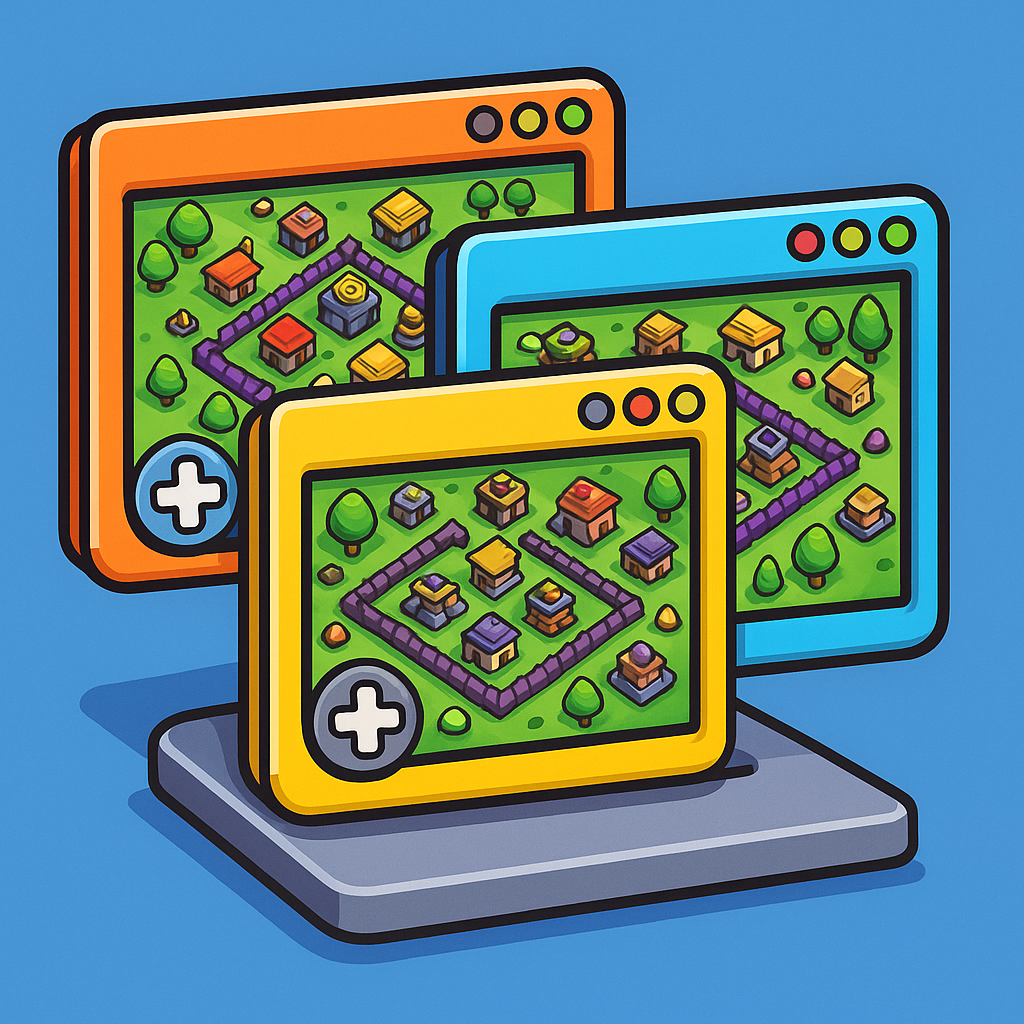
Request & Leave
Handle clan join and leave requests automatically.
Clashy manages incoming requests and handles leavers so your clans stay organized without you watching over them 24/7.
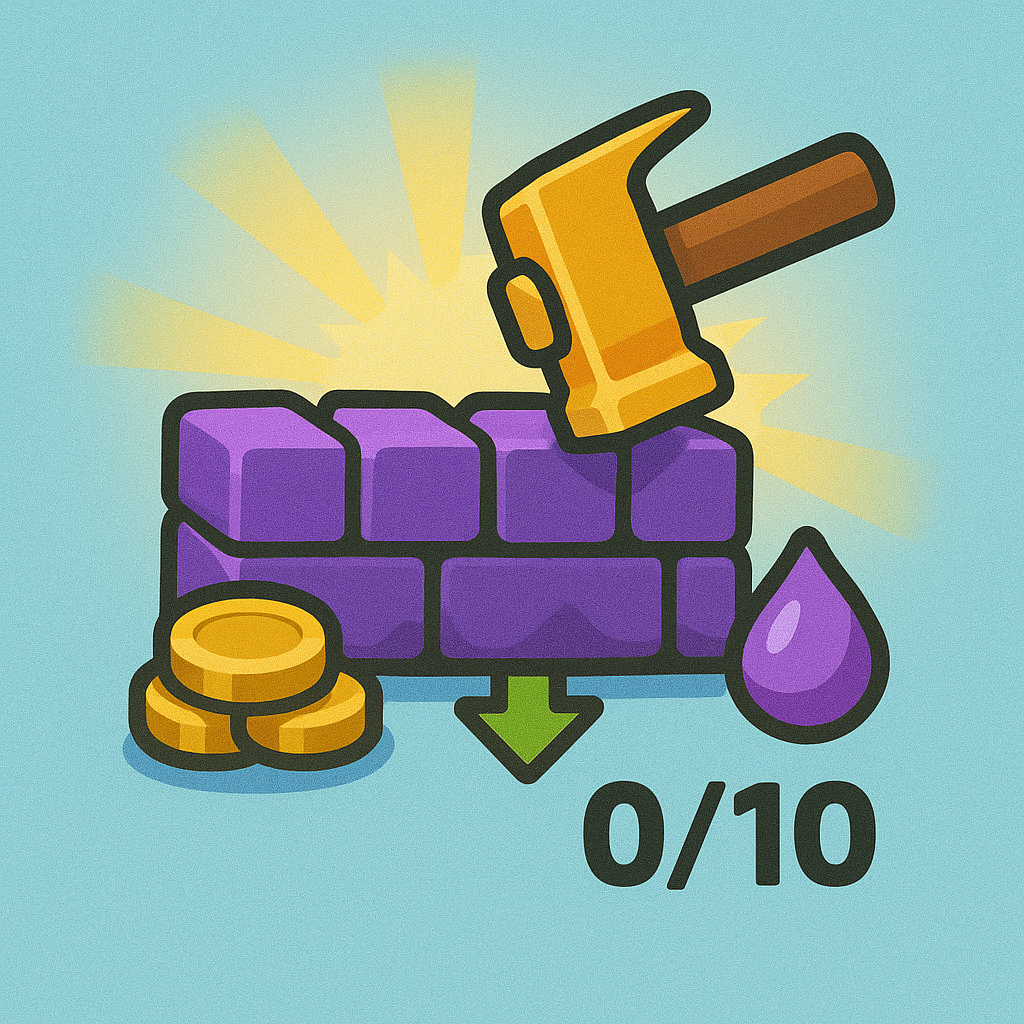
Upgrade walls
Automate farming and wall upgrades with your emulators.
Clashy farms for you and invests the loot into your walls nonstop, keeping your builders busy without endless clicking.
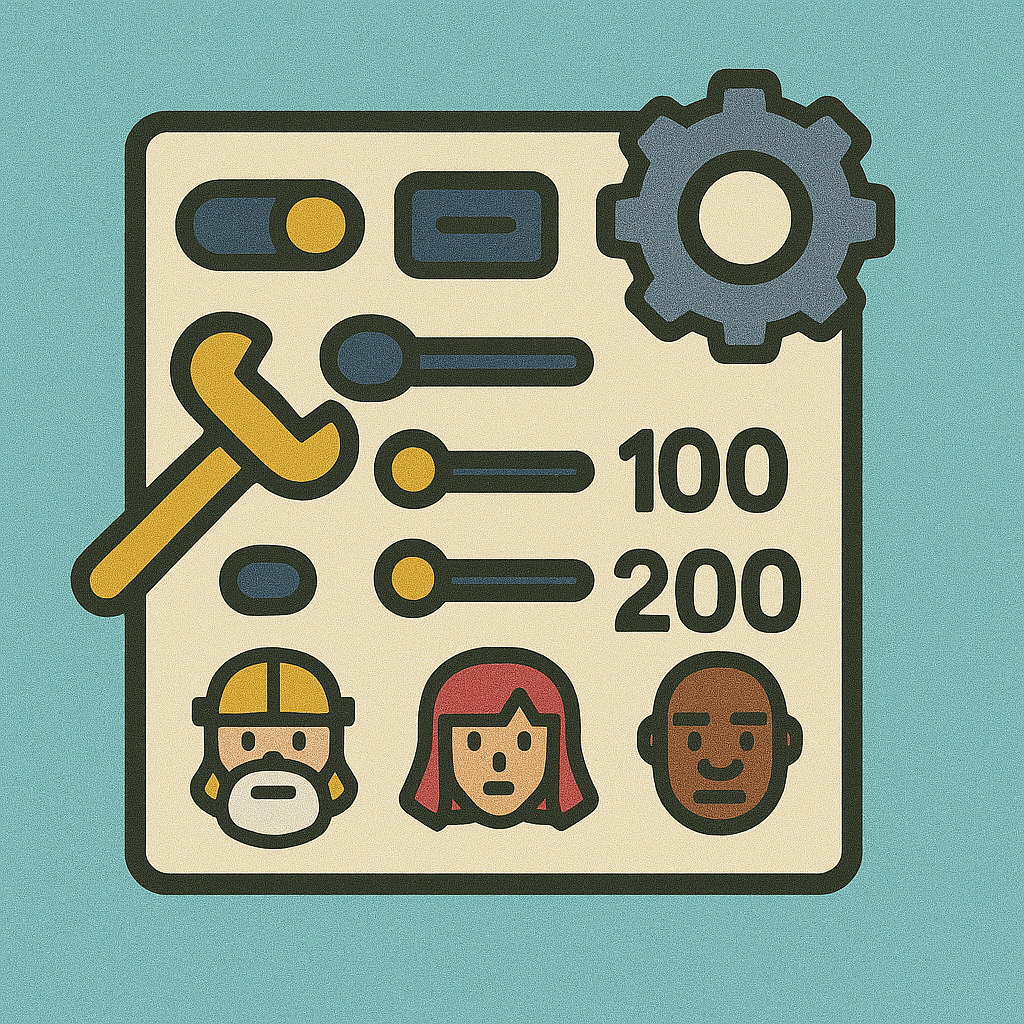
Upgrade buildings
Prioritize and execute building upgrades automatically.
Tell Clashy which buildings to upgrade first and let it schedule and execute them so your base progresses steadily while you do other things.
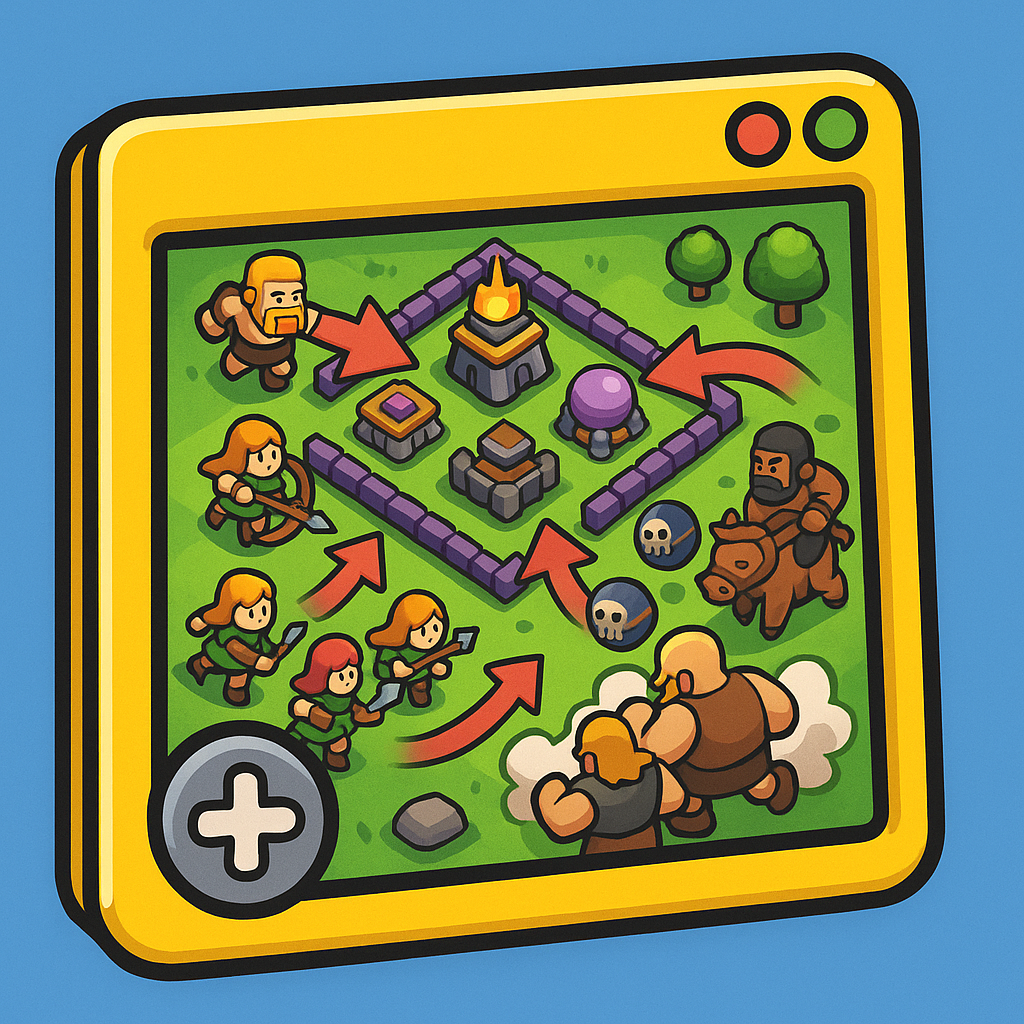
Farm
Farm until your storages are full with your favorite settings.
Configure troop mixes, leagues, and minimum targets, then let Clashy chain attacks until your storages are packed.
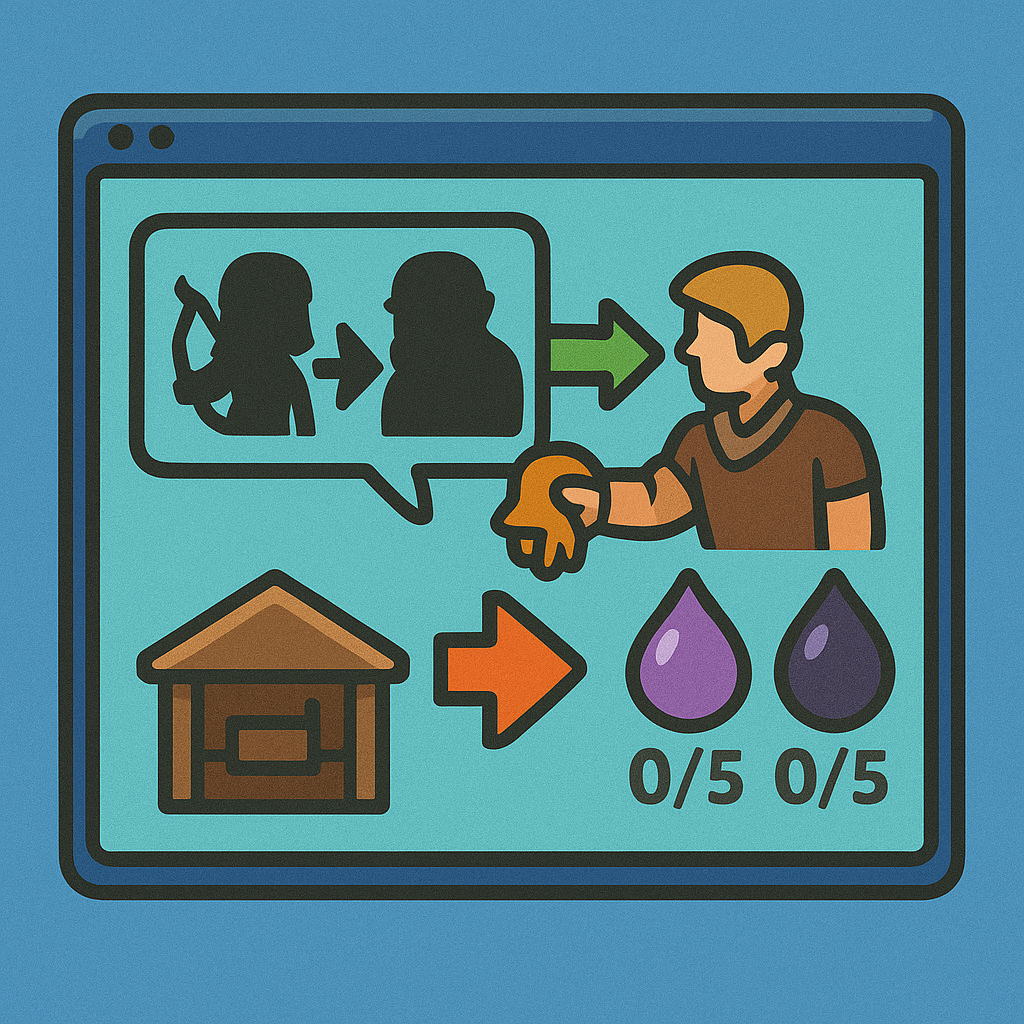
Donations
Send donations and requeue troops to support your clan.
Clashy reads clan chat, spots requests, and donates the right troops automatically, retraining them so your donation accounts stay ready.
Endless attacks
Chain attacks with configurable breaks to keep farming.
Set attack and pause cycles so Clashy can raid indefinitely while respecting the breaks you define to mimic human behavior.
FAQ
Is Clashy safe to use?
Clashy does not modify any game files and runs on your PC, controlling your emulator like a user would. However, using automation tools may violate the game's Terms of Service and could carry account risk. Use it at your own discretion.
Which emulators does Clashy support?
Clashy works with popular Android emulators for Windows (for example MuMu, LDPlayer, BlueStacks and others), as long as they are properly configured. We provide basic setup guidelines inside the app and in our support channels.
Can I run multiple Clash of Clans accounts?
Yes. You can connect several emulators and control them from Clashy as long as your PC can handle them. This is ideal for farming multiple villages or running donation accounts.
Do I need a powerful PC?
It depends on how many emulators you want to run. For one or two instances, a mid-range PC is usually enough. For more emulators, more RAM and CPU power are recommended.
How do I get support?
If you have any issue with Clashy, you can contact us through our support channels (Discord, email, etc.). We also maintain basic documentation with common questions and setup tips.